
Envelope
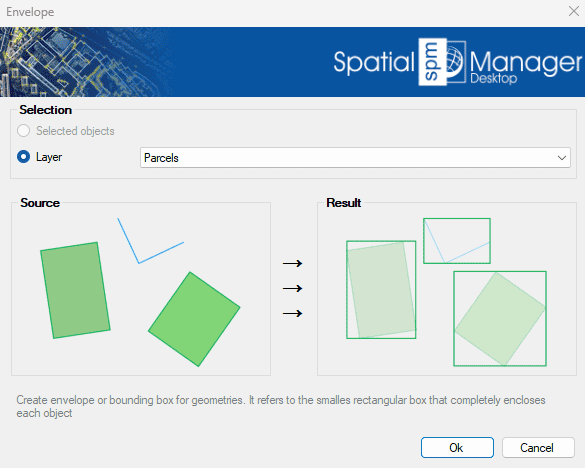
Creates an envelope or bounding box for selected geometries. This refers to the smallest rectangular area that fully contains each object. It is commonly used to generalize shapes, define extents, or prepare spatial data for indexing, visualization, or spatial queries. The result is a simplified and standardized representation of the original geometry's outer limits..
Envelope Options
- Selection: select the polylines from the previous selection, or select by layer.
Disclaimer:
- Some components shown here (providers, names, window styles, etc.) may differ slightly from those on your computer.
- Certain features require Internet access. If you experience issues, check with your network administrator about a possible Proxy server. You can configure the Proxy settings in the application options.
- Some geographic data providers (Geocode, image maps, etc.) may require a user account, which you can set up in the Service Provider API Keys section of the application options.