
Introduction
Perform spatial analysis operations over the objects in the drawing or map generating new objects from such analysis.
Spatial Manager Desktop™ includes a set of advanced tools designed for geometric and spatial analysis of geographic features and their geometric relationships, resulting in new features generated from the resolution of such analysis.
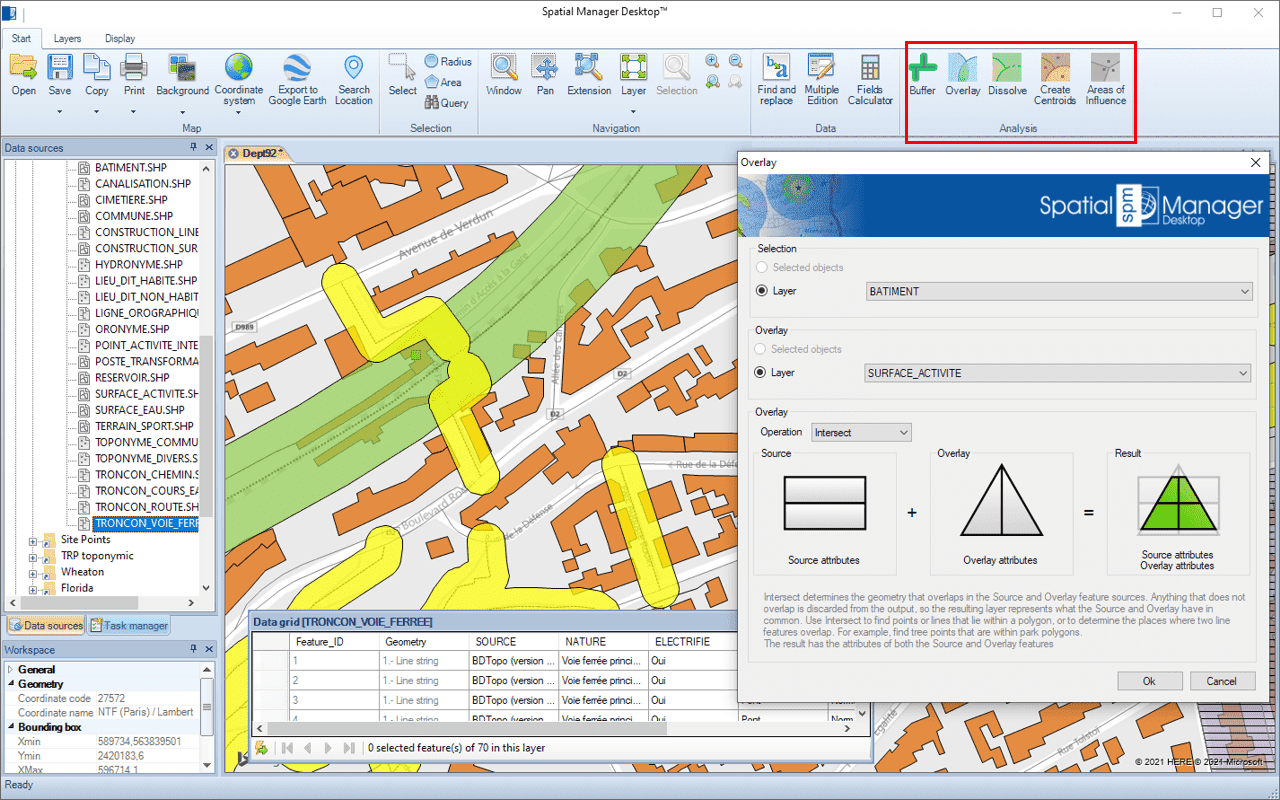
About features selection
Some of the analysis tools described allow you to select features before executing. Even some of them allow you to select two groups of features to operate between them. For all of these functions, the following notes and instructions apply:
- Selected objects: Only a selection of features will be processed. You can select the features before executing the functions by using any of the application selection methods.
- Layer: Only the features included in a map Layer will be processed. You can select the Layer using the drop-down list in this window.
Disclaimer:
- Some components shown here (providers, names, window styles, etc.) may differ slightly from those on your computer.
- Certain features require Internet access. If you experience issues, check with your network administrator about a possible Proxy server. You can configure the Proxy settings in the application options.
- Some geographic data providers (Geocode, image maps, etc.) may require a user account, which you can set up in the Service Provider API Keys section of the application options.