
Introduction
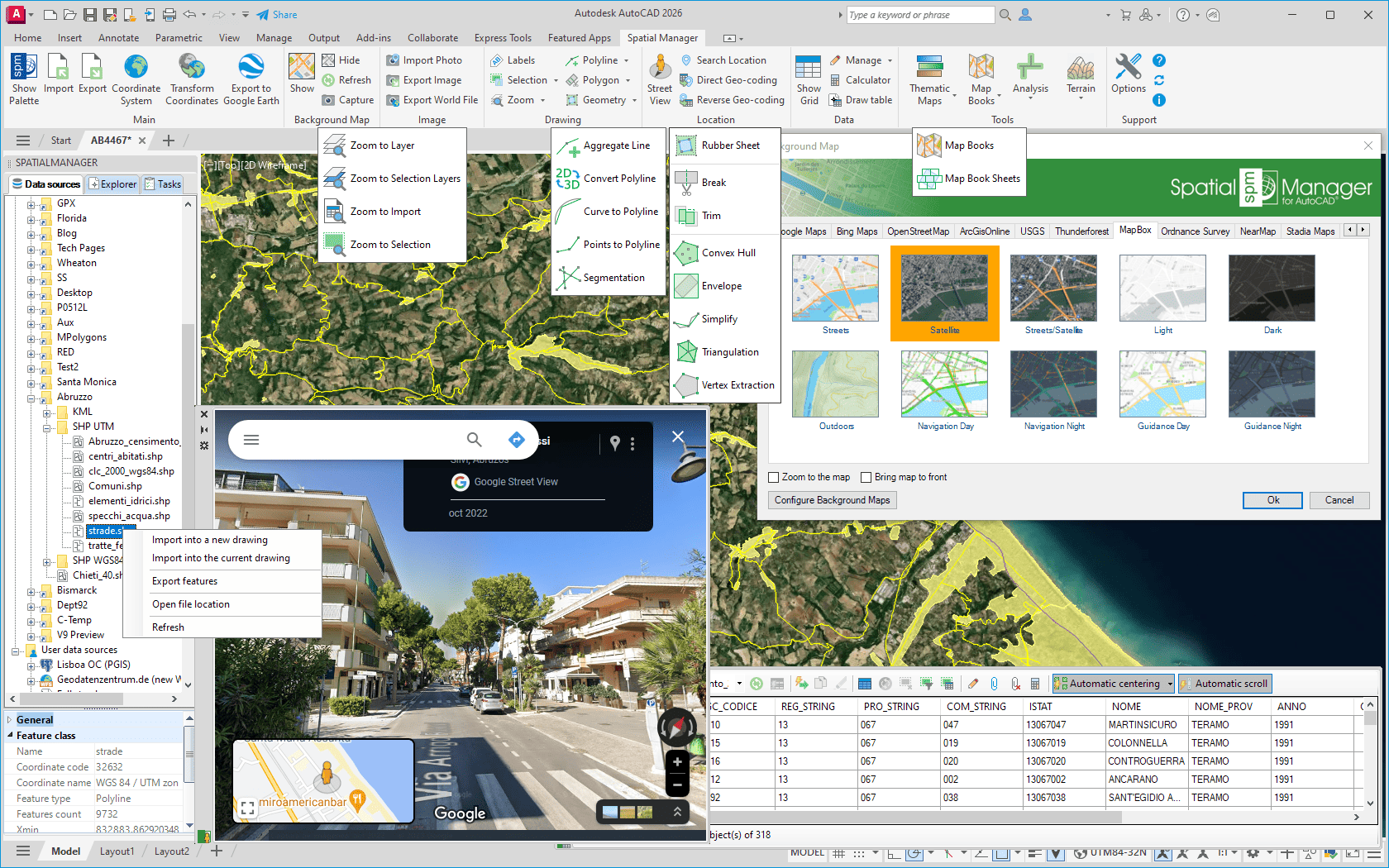
Spatial Manager™ for AutoCAD is a powerful AutoCAD plug-in designed for AutoCAD users who need to import, export, and manage spatial data in a simple, fast, and inexpensive way, which includes many possibilities not seen so far in AutoCAD. It comes in a lightweight application that runs inside AutoCAD and allows the user to import and export geospatial data between AutoCAD drawings and geospatial files, data servers or data stores, manage attached data, display dynamic Background Maps or Street Views, search locations, geo-code postal addresses (direct and reverse), define thematic maps, create terrains or contours, perform GIS analysis operations or selections, etc.
Disclaimer:
- Some components shown here (providers, names, window styles, etc.) may differ slightly from those on your computer.
- Certain features require Internet access. If you experience issues, check with your network administrator about a possible Proxy server. You can configure the Proxy settings in the application options.
- Some geographic data providers (Geocode, image maps, etc.) may require a user account, which you can set up in the Service Provider API Keys section of the application options.