
Export data
Export objects from AutoCAD to spatial files or databases, and saves their Extended Entity Data (EED/XDATA) as alphanumeric data tables.
Export Extended Entity Data (EED/XDATA)
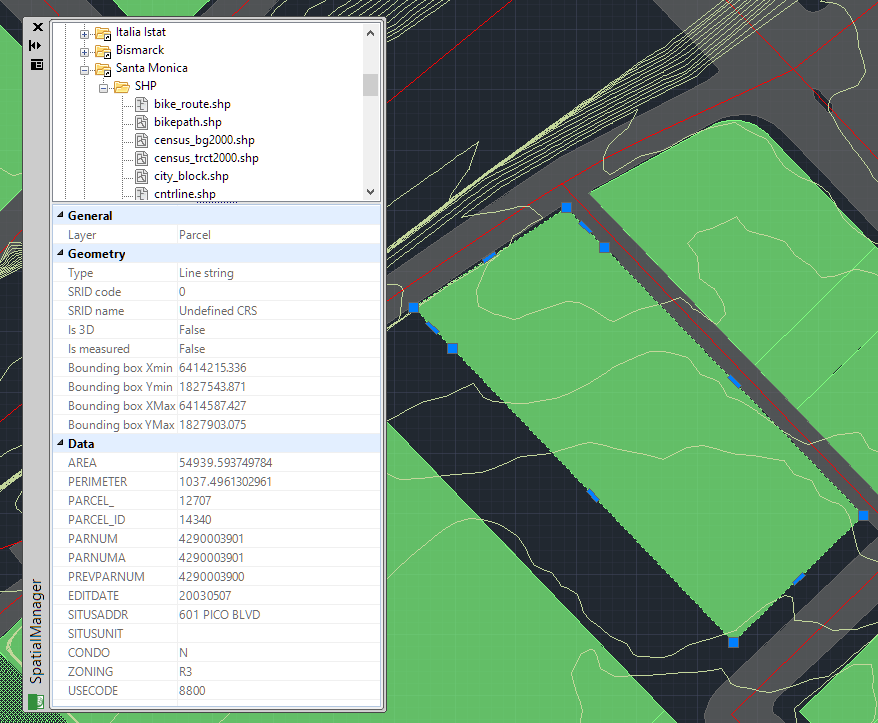
If the selected objects to be exported have attached data (XDATA / EEDs), this object data will also be exported as data tables linked to the outgoing features, if the target supports these data tables. The Extended Entity Data (EED/XDATA) can be attached when the objects are imported, by hand using the Data Structure Management tools, or can be there by a combination of both cases. As you can see at the beginning of this chapter, you can choose which tables and/or fields will be exported.
Disclaimer:
- Some components shown here (providers, names, window styles, etc.) may differ slightly from those on your computer.
- Certain features require Internet access. If you experience issues, check with your network administrator about a possible Proxy server. You can configure the Proxy settings in the application options.
- Some geographic data providers (Geocode, image maps, etc.) may require a user account, which you can set up in the Service Provider API Keys section of the application options.