
Advanced
Choose in ZWCAD from among a lot of dynamic Backgrounds Maps from providers such as Google Maps, OpenStreetMap, Bing, MapBox, Ordnance Survey, etc. or configure your own maps.
Enhance the quality of the ‘Background Maps’
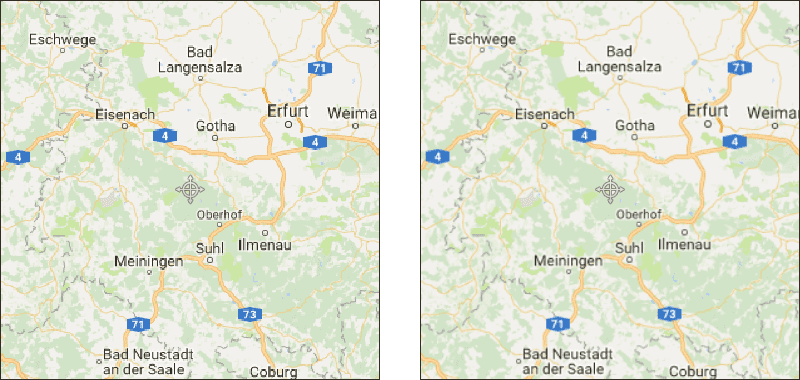
In Spatial Manager™ for ZWCAD you can increase or reduce the map images quality (at the cost of losing or gaining performance) through the “Images quality” option that you will find in the “Background Maps” section of the application Options (SPMOPTIONS).

Notes:
- The quality improvement will be more appreciable depending on your graphic system, the zoom level, and the selected ‘Background Map’.
- In addition, as discussed above, the quality improvements may be more necessary if the CRS of the map must be transformed, as the resulting map images will be obtained by deforming rectangular frames.
- If available, the ZWCAD command ‘IMAGEQUALITY’ (Draft/High) can also affect the ‘Background Maps’ quality.
- Please read also the next article.
Disclaimer:
- Some components shown here (providers, names, window styles, etc.) may differ slightly from those on your computer.
- Certain features require Internet access. If you experience issues, check with your network administrator about a possible Proxy server. You can configure the Proxy settings in the application options.
- Some geographic data providers (Geocode, image maps, etc.) may require a user account, which you can set up in the Service Provider API Keys section of the application options.