
World file
Export to external file the complete geo-reference information of any raster image contained in your drawing.
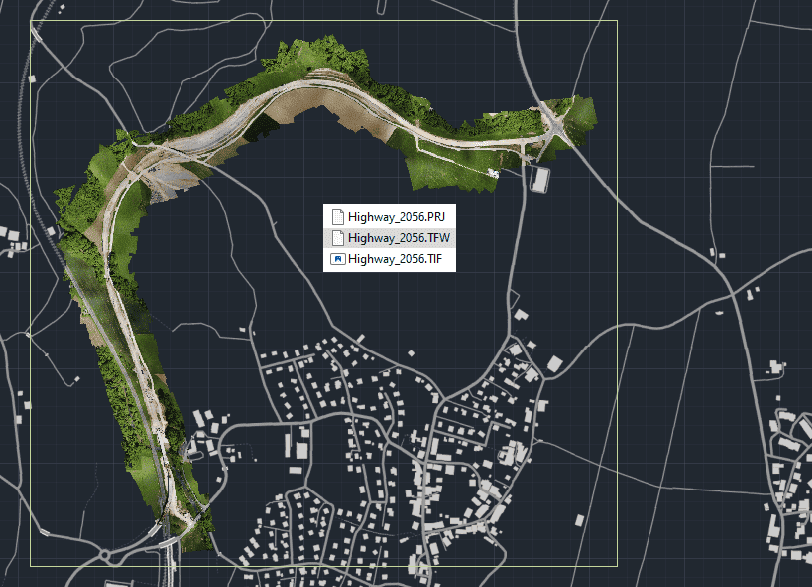
Export the additional geo-reference files of an image inserted in a drawing
Although when exporting images it is possible to include additional geo-reference files (World, PRJ, etc.) in the export process, it is also possible to export only these additional files when the image is already stored as a separate file. This operation can be carried out using the command SPMWORLDFILE of Spatial Manager™ for ZWCAD.

Disclaimer:
- Some components shown here (providers, names, window styles, etc.) may differ slightly from those on your computer.
- Certain features require Internet access. If you experience issues, check with your network administrator about a possible Proxy server. You can configure the Proxy settings in the application options.
- Some geographic data providers (Geocode, image maps, etc.) may require a user account, which you can set up in the Service Provider API Keys section of the application options.