
Data grid
The Data Grid palette in BricsCAD allows you to view, edit, etc. the objects data for any table in the drawing. You can also select objects from the Data Grid, export the data from the tables and more.
Data Grid palette
The ‘Data Grid’ palette of Spatial Manager™ for BricsCAD allows you to view, edit, select, export, etc. the entities data in a table form.
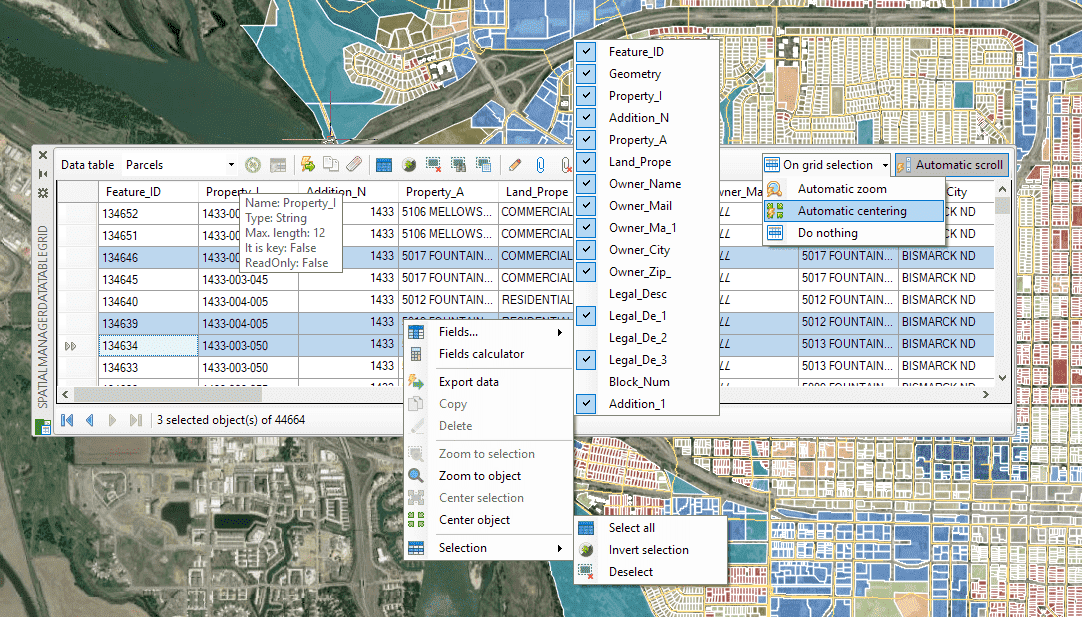
Learn more about the ‘Data Grid’ and all its features and functions.
Disclaimer:
- Some components shown here (providers, names, window styles, etc.) may differ slightly from those on your computer.
- Certain features require Internet access. If you experience issues, check with your network administrator about a possible Proxy server. You can configure the Proxy settings in the application options.
- Some geographic data providers (Geocode, image maps, etc.) may require a user account, which you can set up in the Service Provider API Keys section of the application options.