
Curve to Polyline
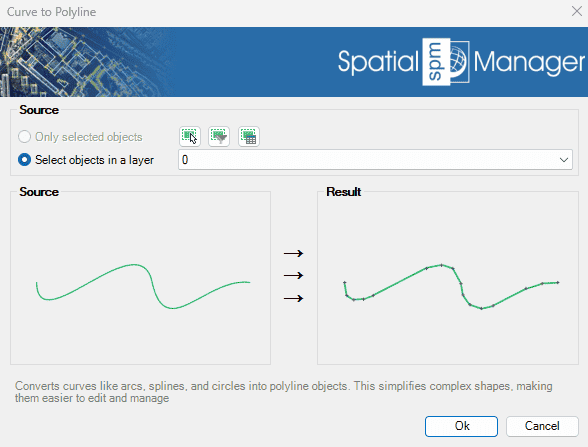
Converts complex curve geometries—such as arcs, splines, and circles—into polyline objects. This transformation simplifies editing and enhances compatibility with CAD and GIS operations. It is especially useful when preparing data for export, analysis, or further modification within the drawing..
The SPMCURVETOPOLYLINE command converts curved entities (arcs, circles, ellipses, splines, polylines with arc segments) into polylines composed only of straight line segments.
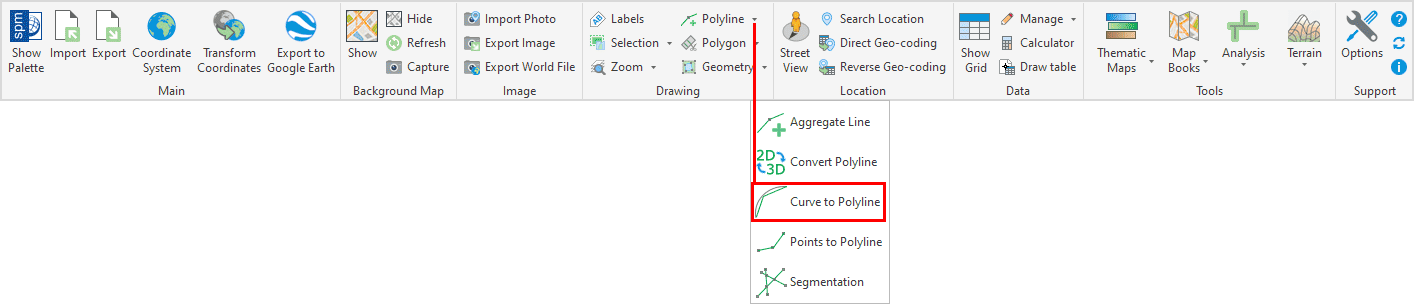
Curve to Polyline Options
- Source: select the polylines to convert (review selection control options).
Curve to Polyline video
Disclaimer:
- Some components shown here (providers, names, window styles, etc.) may differ slightly from those on your computer.
- Certain features require Internet access. If you experience issues, check with your network administrator about a possible Proxy server. You can configure the Proxy settings in the application options.
- Some geographic data providers (Geocode, image maps, etc.) may require a user account, which you can set up in the Service Provider API Keys section of the application options.